
Pike County Court Calendars Explained
Pike County posts no stand-alone daily calendar. The practical route is case by case. Search Indiana MyCase and pull up the Pike Circuit Court case. Work through its hearing and session entries. You get settings tied to a known case, not a master list of everything set for a given day across the county.
The Indiana Judicial Branch Pike County hub collects links to the local court, MyCase, and the court rules. Pike Circuit Court is the county's court of record, running under the Odyssey identifier 63C01. It also runs a Small Claims, Juvenile and Family Law Division. So a date appearing in two results may simply belong to two case categories.
Statewide, the Indiana Rules on Access to Court Records frame what any docket search can and cannot reach.
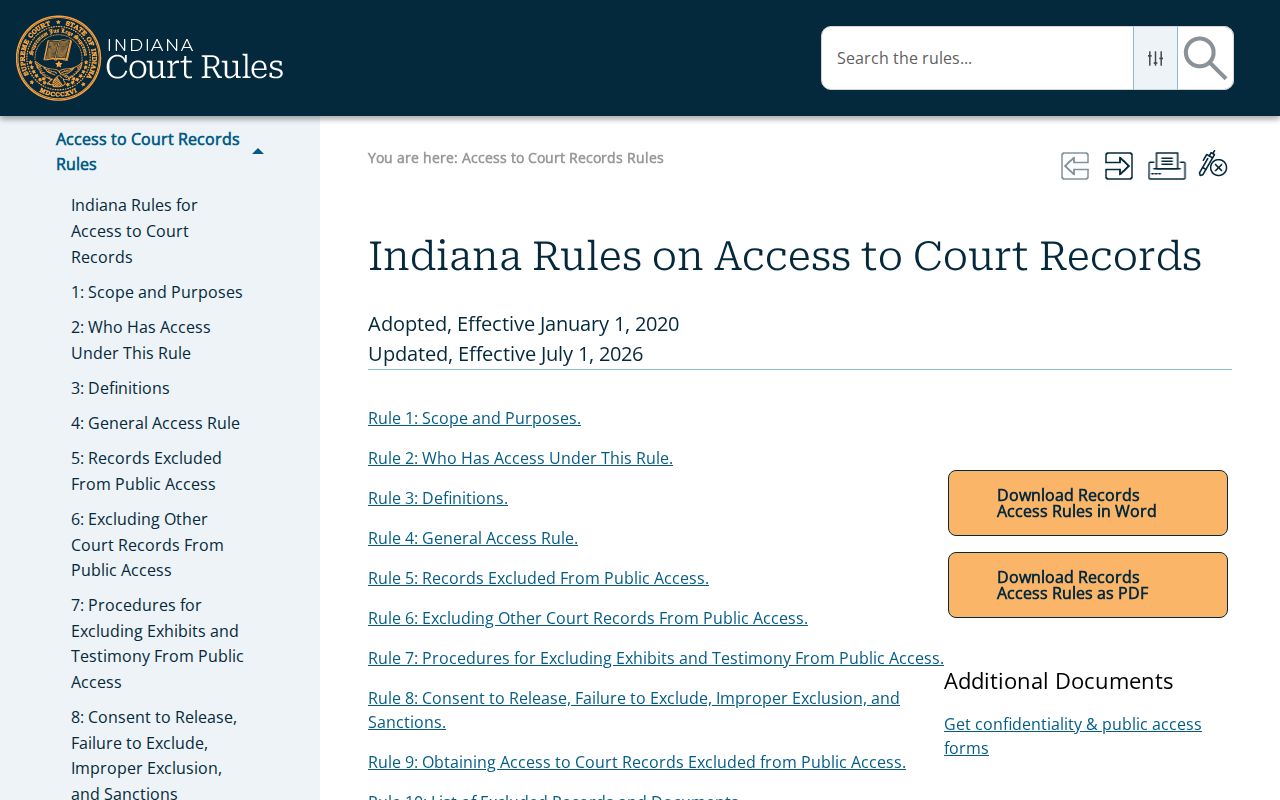
That framework is why public docket access and the limits on confidential case data have to be read as one rulebook, not two.
Pike County MyCase Hearing Sessions
MyCase puts each date inside a case file, not on a Pike-only calendar page. Check the header first. Confirm the court is Pike Circuit Court. Then confirm the case number and case type, before trusting any session row. Below that sits the Chronological Case Summary, the CCS. That is a dated log of filings and court events. One scheduling event there can spawn one or more hearing sessions.
Treat each session as a unit. The pieces are date, time, court, judicial officer, display text, result, cancel status, and the reason it was canceled. A future date flagged "canceled" is no hearing at all. An old session's result proves nothing about the next setting. Cases can also carry several sessions at once. So read them all before assuming which one is live.
- Setting
- A date and time reserved for a court event.
- Session
- The calendar record for a hearing, including its current status.
- CCS
- The Chronological Case Summary, which lists case events in date order.
- Result
- The recorded outcome of that session, not the result of the whole case.
Note: a hearing session is only one slice of the docket. The order or notice behind it may not appear in that row.
Finding Your Court Date
When a date decides whether you show up somewhere, use more than one channel. MyCase is the fastest public start. For anything unclear, recently changed, or missing from the docket, call the Pike Clerk or the court. Those phone lines are the verification routes. The clerk's counter also serves anyone who needs an older file. That includes a paper court record.
- Open MyCase and search by the exact case number when possible. Otherwise use the name search and choose Pike County.
- Open the matching Pike Circuit Court result. Check the case number, court, category, and status before reading the event list.
- Find the newest active hearing or session. Read its date, time, setting type, court, officer, and cancellation fields together.
- Call the Clerk at 812-354-6025 or Pike Circuit Court at 812-354-6026 when the setting is missing or appears to have changed. Small Claims-Family questions may use 812-354-8480.
- For in-person confirmation, contact the Clerk at 801 E Main St, Petersburg, Monday through Friday, 8:00 a.m. to 4:00 p.m. A printed daily list was not verified online.
The Indiana Courts public portal is the official statewide entry point.
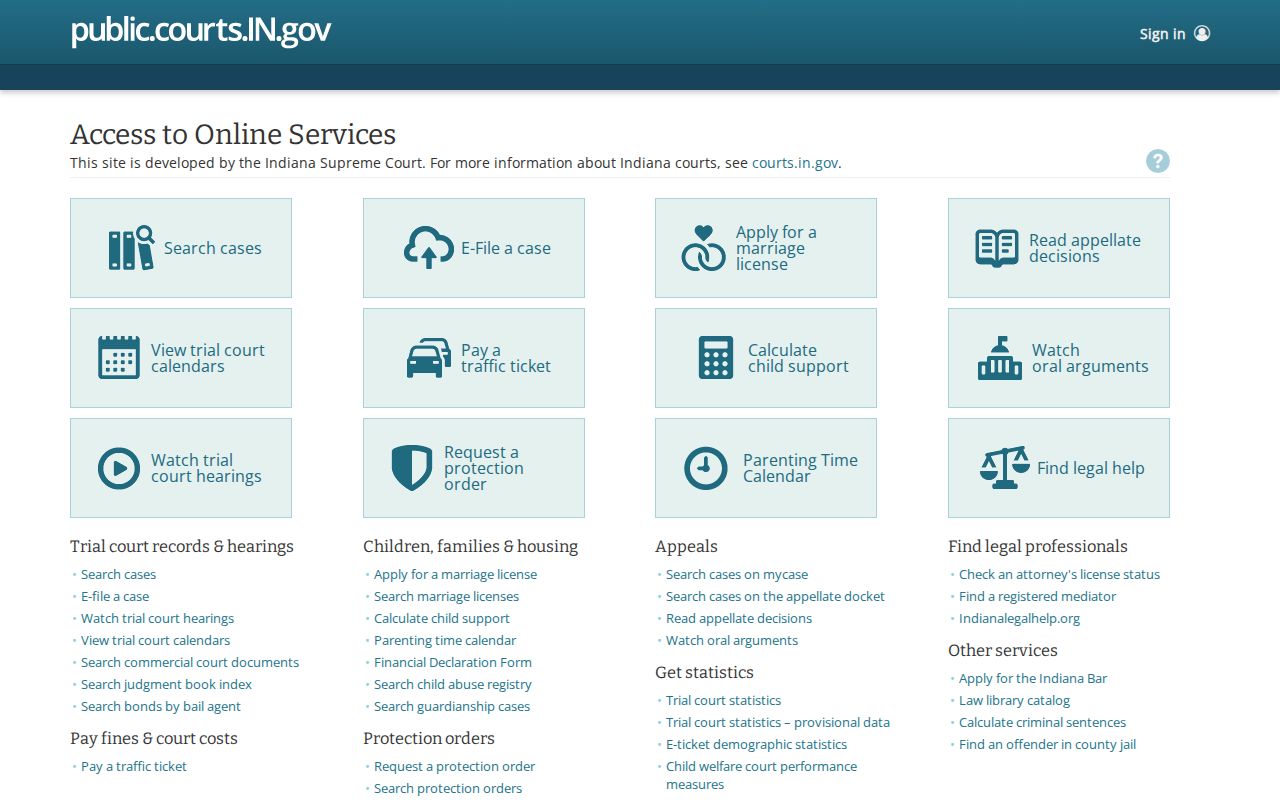
The portal finds the case; the Pike County court confirms what stands today.
Verify Pike County Setting Changes
Call the court on the day itself. MyCase promises no refresh schedule for Pike County. The county hub posts no live cancellation feed, no remote-hearing directory, no text alerts, no calendar subscription. An order can land before the public event view catches up. A mailed or electronic notice may also carry extra instructions. A one-line session row leaves those out.
Clerk of the Pike Circuit Court
801 E Main St, PO Box 125
Petersburg, IN 47567
812-354-6025
Monday-Friday, 8:00 a.m.-4:00 p.m.
Ask a narrow question when you call: the case number, the date shown online, the hearing type. The Clerk keeps the official record of the case. The court line handles scheduling instructions. Skip the prosecutor's office as a calendar service, and never read a missing remote link as proof the hearing was canceled.
How to Read a Court Setting
Each field in a Pike County setting answers a different question. Court and case number first. Date and time next. Then the hearing description, the officer, the result, and whether it was canceled. Watch one trap. An event row may only record when notice was filed, while the session row holds the time you actually appear.
| Date and time | The scheduled start shown for that session. Verify it if the hearing is near. |
|---|---|
| Court | Pike Circuit Court or the relevant division shown in the record. |
| Judicial officer | The judge or referee tied to the setting, when public. |
| Setting type | A label such as initial hearing, pretrial conference, bench trial, or another proceeding. |
| Result | What happened at a past session, if the court entered a result. |
| Cancel status | Whether the session remains active, was canceled, or was rescheduled. |
A court date is not an outcome. It is not even proof the hearing happened. For what the court recorded afterward, read the result and the later CCS entries.
Pike County Court Date Rules
Pike's local rules shape the event trail you see in the docket. A continuance motion must be written and show good cause. Unless the reason arose late, file it as soon as possible. It must come no later than ten days before the hearing or trial. Agreed continuances carry a similar ten-day filing or notice concept. Exceptions are spelled out in the rule itself.
Meeting that deadline grants nothing. A continuance is a request, not a ruling. The judge controls the calendar. The active docket entry or a court notice shows the result. Before concluding anything from the motion alone, read the Pike County local rules
Civil scheduling adds another layer. Pike's rules set planning points for discovery, dispositive motions, and pretrial motions ahead of trial. That helps explain why one case stacks up several settings before trial. Those entries are not a personal deadline calculator.
Continuances, Resets, and Cancellations
Three words describe three different calendar moves. A continuance means the court approved shifting a proceeding. A reset is the new setting itself. It can also mean the act of putting the case back on the calendar. A cancellation wipes out a session, and another date may still follow. None of these entries means the case was dismissed.
Read the event history around the old setting before assuming anything. A motion entry shows only that a party asked for more time. The order entry grants or denies it. A later hearing session often carries the replacement date. The canceled-reason field helps, but the full CCS gives the real context. If no replacement appears anywhere, call the court instead of guessing.
For geography, the Indiana judicial districts page lists Pike County in Judicial District 25.
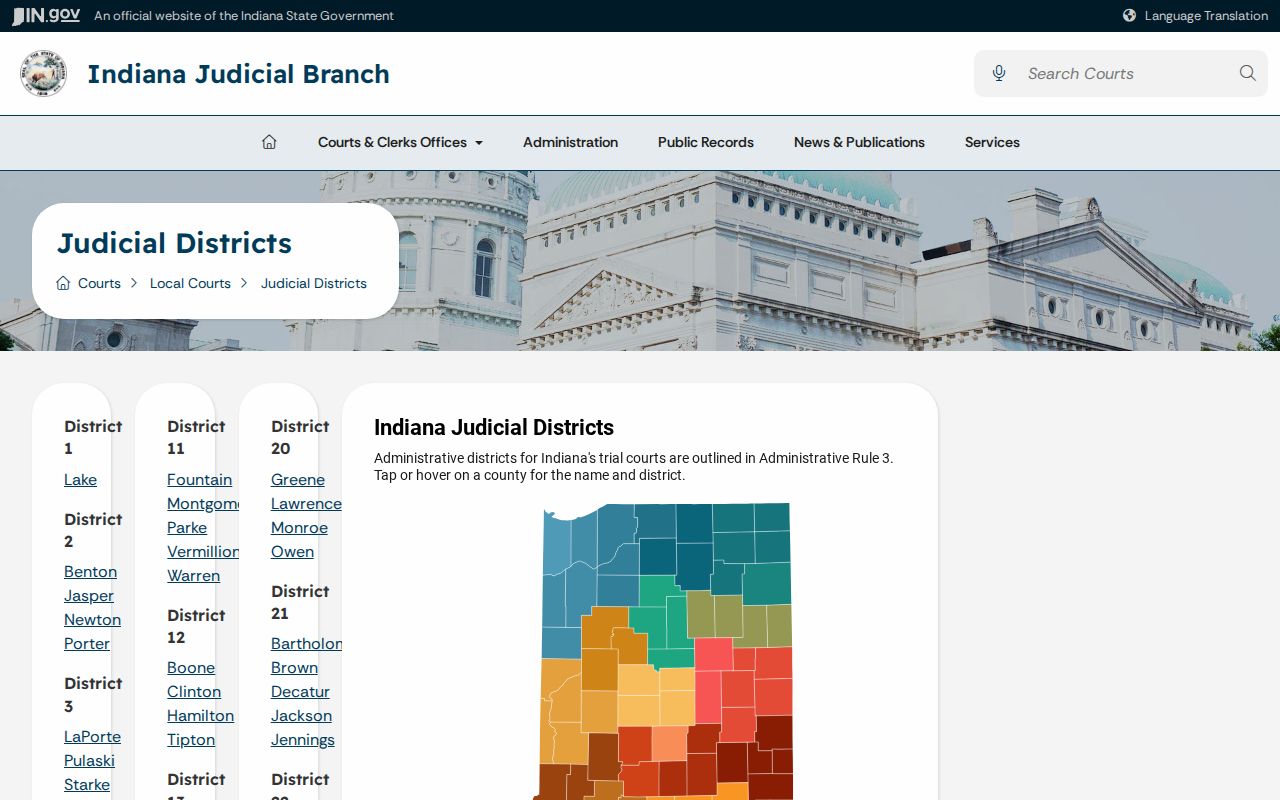
Note: District membership is useful context, yet it never overrides the Pike Circuit Court setting shown in the case itself. Keep the old setting and the new setting separate when you take notes, with each status and the date checked recorded on its own line.
Pike County Calendar Access Limits
Indiana Administrative Rule 9 governs remote access to daily calendars and dockets. It does not promise Pike County a searchable, stand-alone calendar page. Public access may be electronic or in another format, and excluded information stays protected either way.
Public does not always mean online. A public setting may be available through the court even when it is hard to locate in MyCase. Sealed, juvenile, mental-health, protection-order, and other excluded matters may not appear like an ordinary public case.
A court docket can also lag behind a fresh filing or a last-minute scheduling change. Pike County posts no public courtroom number list, livestream catalog, holiday closure list, or same-day cancellation feed. Ask the court directly about the exact case. For a transcript or recording, contact the court reporter; the Clerk does not hold transcripts.
If You Miss a Court Setting
Act promptly. Open the Pike County case in MyCase and read any entries posted after the scheduled time. Look for an order, a failure-to-appear entry, a warrant-related entry, a new date, or other direction, because online silence does not mean nothing happened.
Contact the court now. Call the Clerk or Pike Circuit Court with the case number and missed date. Ask what the docket records and what instruction the court has issued. Do not assume a new date will appear before action is required.
Consequences depend on the case type and the order entered. A missed civil setting can follow one path. A criminal hearing, family matter, or infraction can each follow another. Get the actual docket entry and follow the court's direction. If legal advice is needed, contact a qualified attorney. The public docket records court action; it does not tell you how to respond.
Pike County Future Hearing Check
Give future dates one last check close to the hearing. Save the full case number, not just a party name. Compare the newest CCS event against the session list. Confirm the date is still active. Note the time and court, and read any linked order that is public. If an event has no download, ask the Clerk whether the document can be inspected or copied.
MyCase is not the official court file. Older records, records not yet indexed, and excluded material can all be absent from it. The Pike Clerk can check the official record and the current status. Mail inquiries go to PO Box 125, Petersburg, IN 47567. A mailed request is the wrong tool for an urgent same-day question.
For related lookup methods, the Pike County Case Lookup page covers name and case-number searches. Keep any court notice you received and follow its instructions. Do this whenever it conflicts with an older portal view.